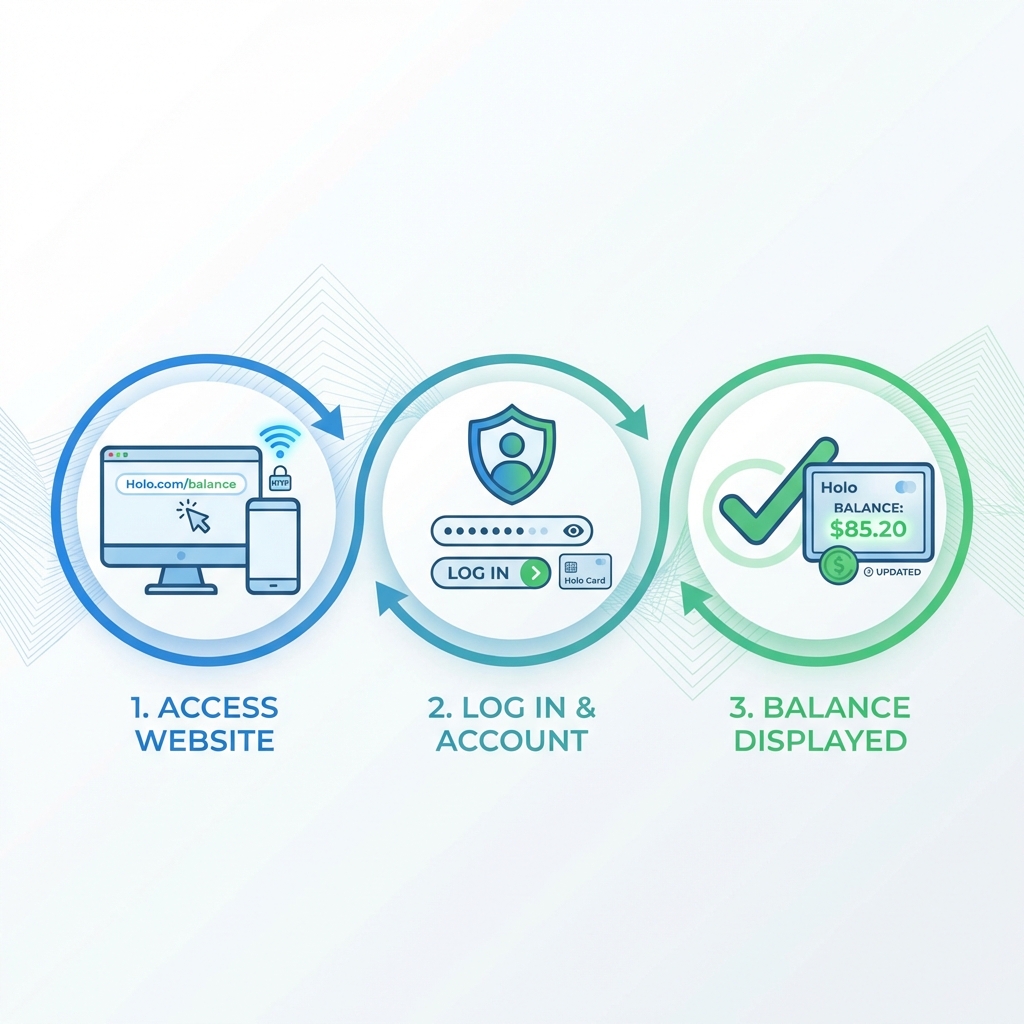
Multiple easy ways to view your balance and transaction history
Not the Official Site:
To actually check your balance, you must visit the official Holo Card website at holocard.net or call 808-768-4656. This page provides information on HOW to check your balance.
Choose the option that works best for you
Best for: Viewing detailed transaction history
Holo Helpline:
808-768-4656
Hours:
Monday - Friday
7:30 AM - 4:00 PM HST
Representatives can check your balance and answer questions about your account.
Best for: Quick check while traveling
Get the most out of your Holo Card with an online account
Note: You don't need an online account to use your Holo Card, but it makes management much easier.
This is the cash amount loaded on your card. Each time you tap to ride, the fare is deducted from this balance.
Example: If you have $20 stored value and tap for a $3 ride, your new balance will be $17.
If you've purchased a Day Pass, 7-Day Pass, or reached the monthly cap, this will show your active passes and their expiration dates.
Note: When you have an active pass, rides don't deduct from stored value.
Yes! Call 808-768-4656 or use vending machines at Skyline stations. However, creating a free online account provides the most convenient access.
Your balance is updated in real-time when you tap your card. Online accounts typically show transactions within a few minutes.
Contact the Holo Helpline at 808-768-4656 immediately. Have your card number and details of recent trips ready.
You can add multiple cards to your online account (like family members' cards) to manage and check their balances.
Once you've checked your balance, you might want to add more value